
Plan life
without the chaos.
Tasks, notes, and your calendar — together in one calm app. Organize later, or never.
Your brain isn't split across apps.
Why is your life?
The grocery list with your partner. The school form buried in your inbox. The appointment next Thursday. The packing list for the trip.
Your life is scattered across apps that don't talk to each other. Claira is one calm place for all of it.
Forward an email.
Claira does the rest.
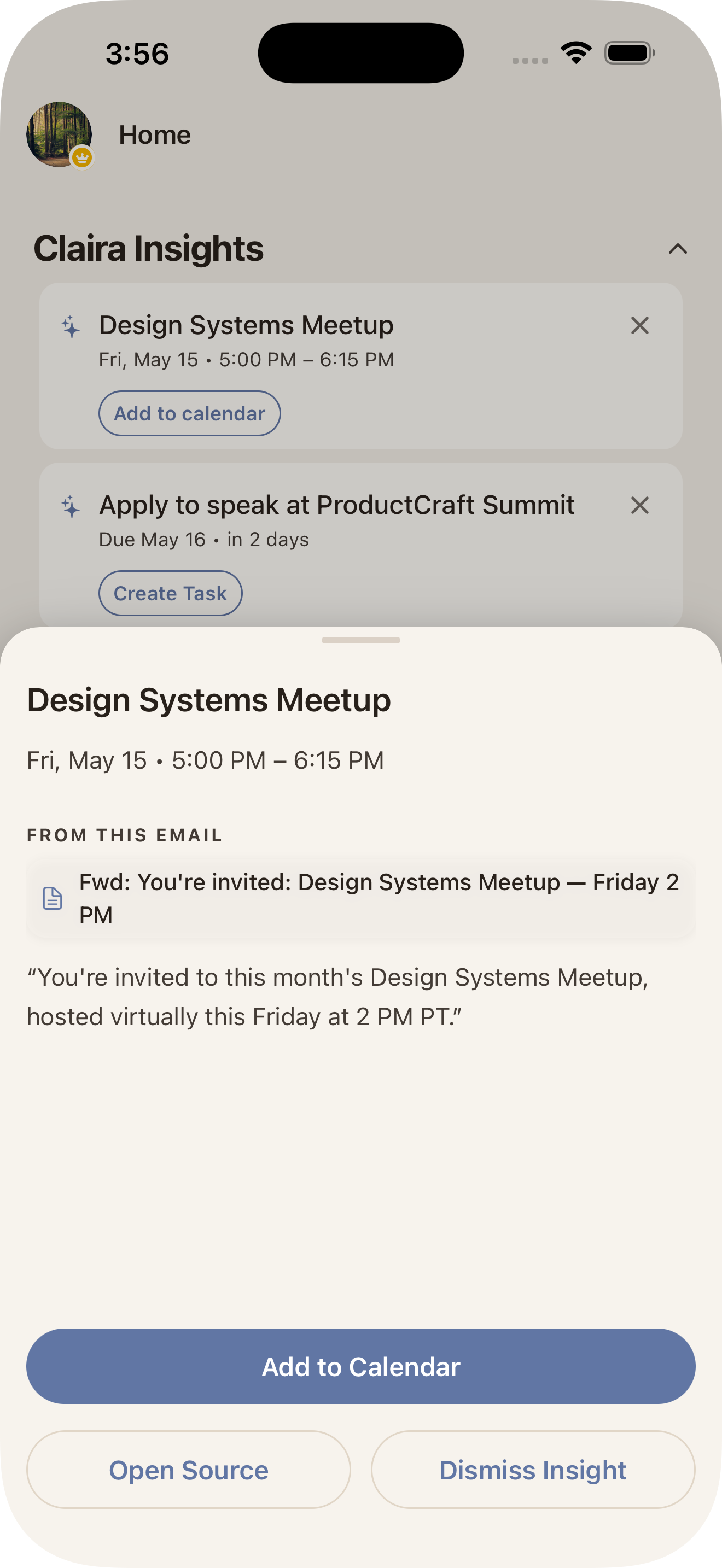
You get a personal Claira email address. CC or forward any message to it — The meeting buried on page two, the deadline tucked in paragraph four — all arrive as action cards you can accept with one tap.
[email protected]— your private drop-boxOne app.
Many ways to clear your head.
Today, tomorrow,
and what you missed.
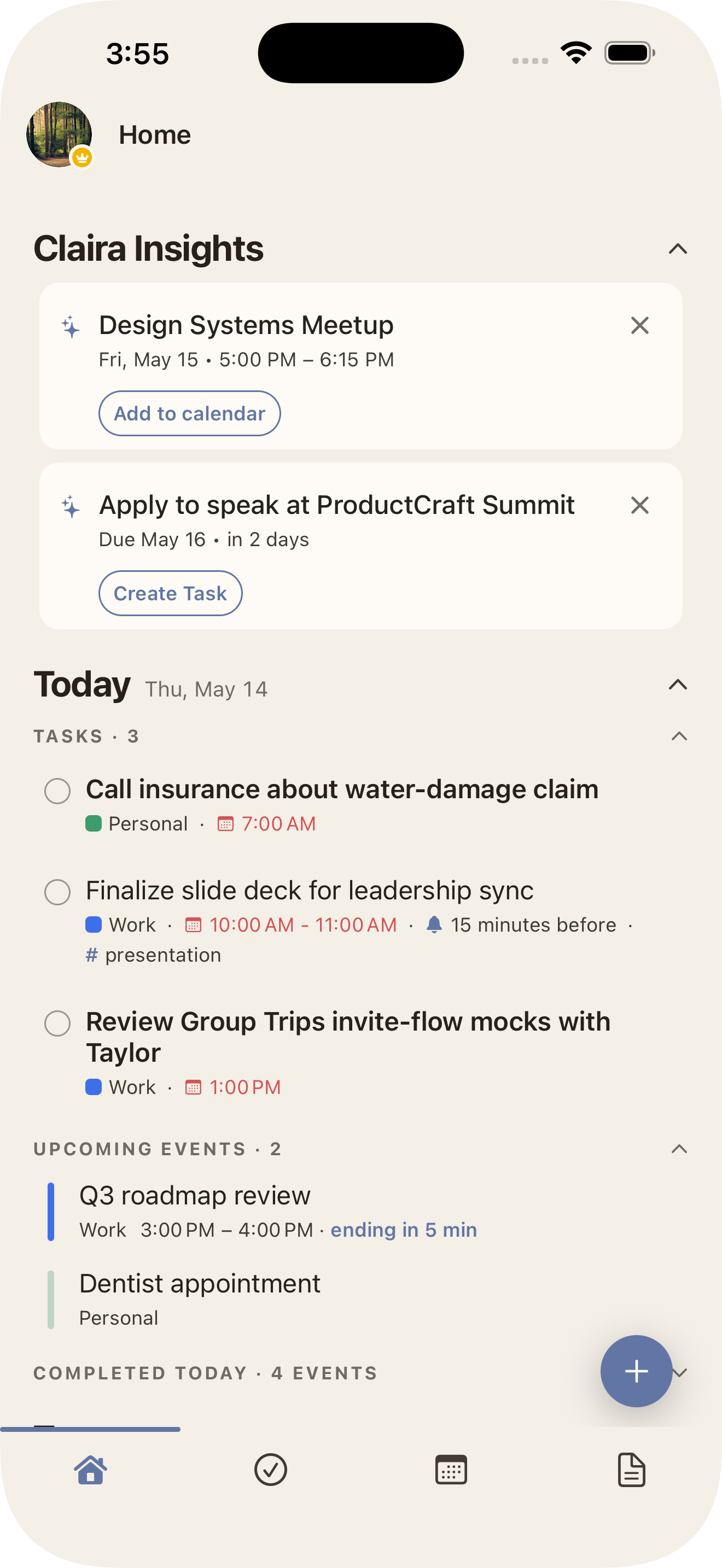
Tasks and events Claira spotted in your notes — surfaced above today and tomorrow’s agenda.
The gist.
In one tap.
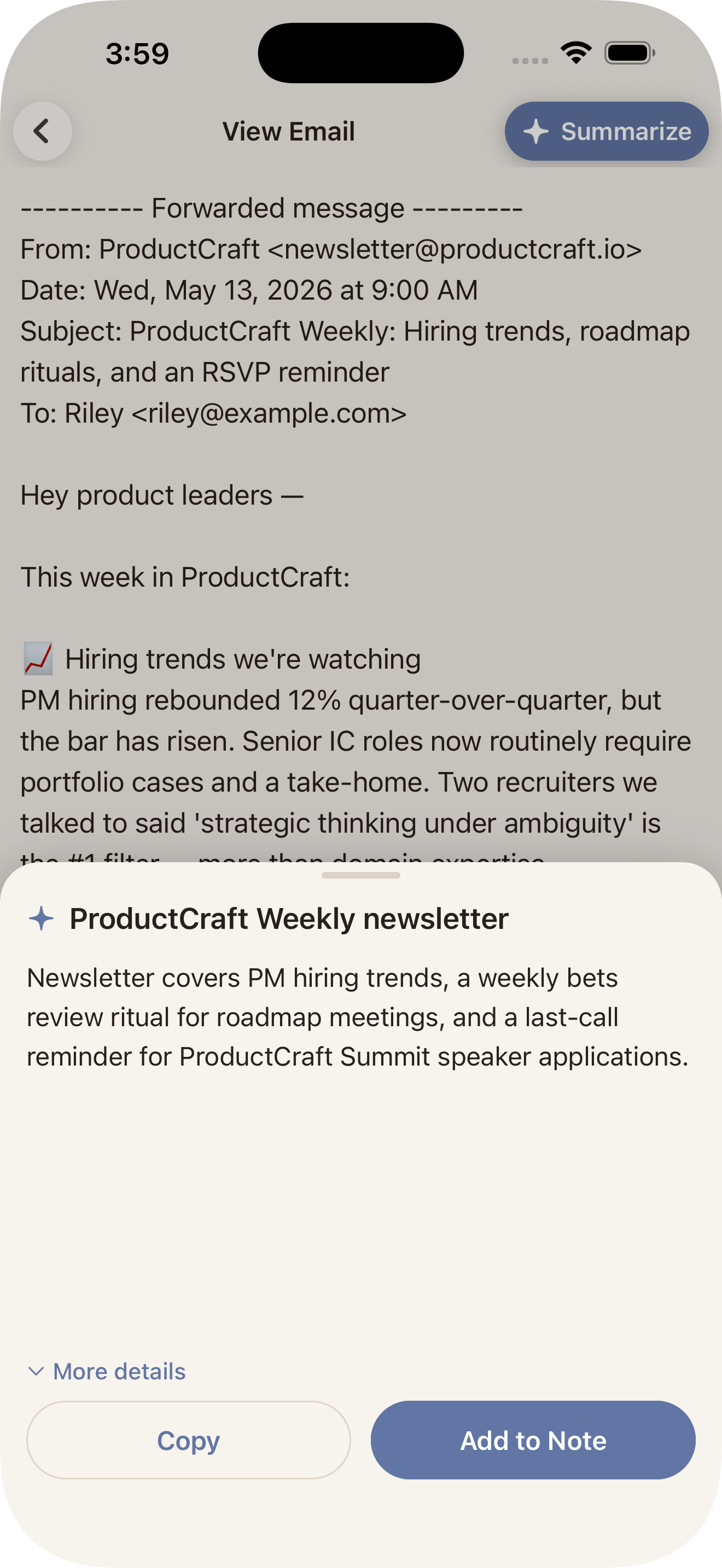
Long newsletter, long PDF, long anything — Claira gives you the short version.
Scattered in.
Sorted out.
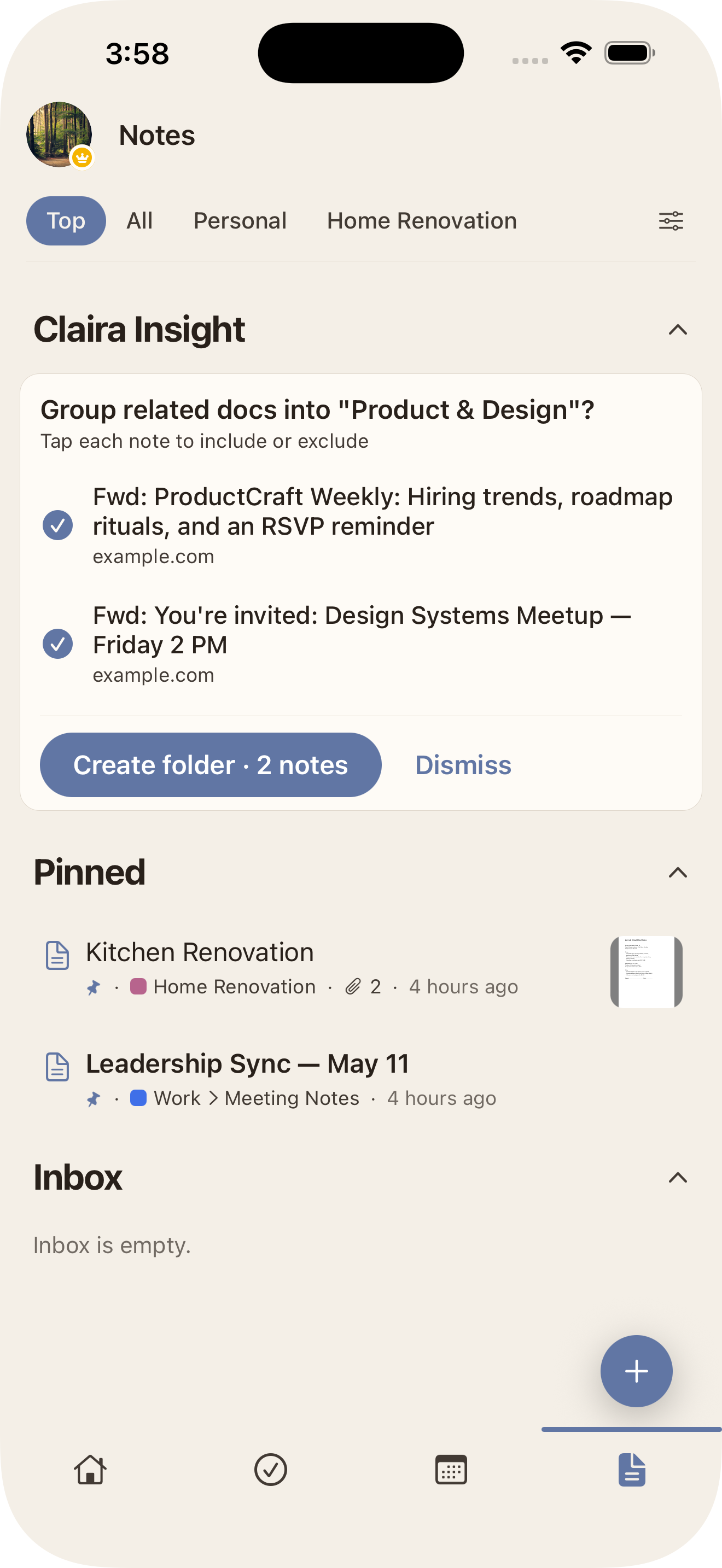
Related notes find each other in the background and land in the same folder.
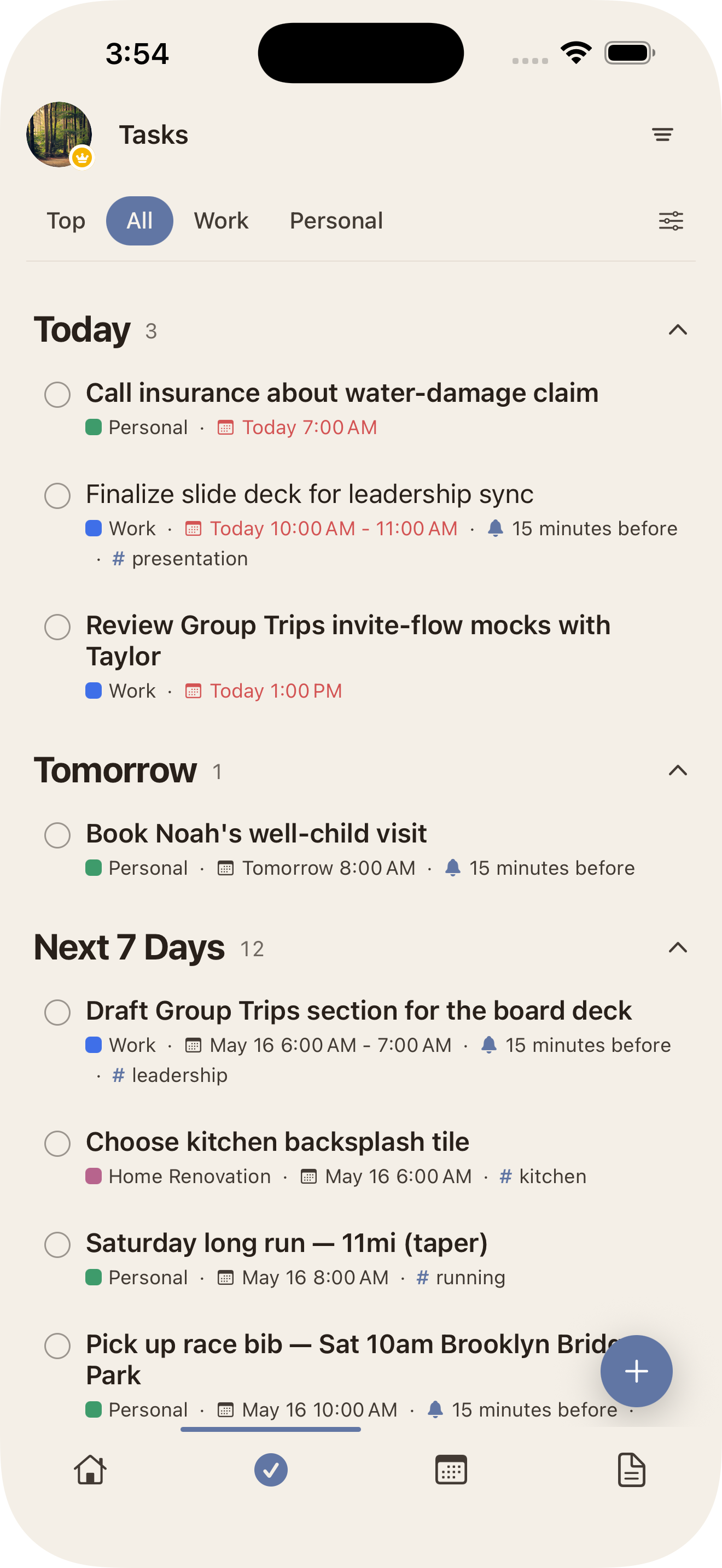
Offload your mind.
Claira fills the gaps.
Share a link, snap a picture of a flyer, jot a thought — Claira surfaces the tasks and events you’d otherwise miss.
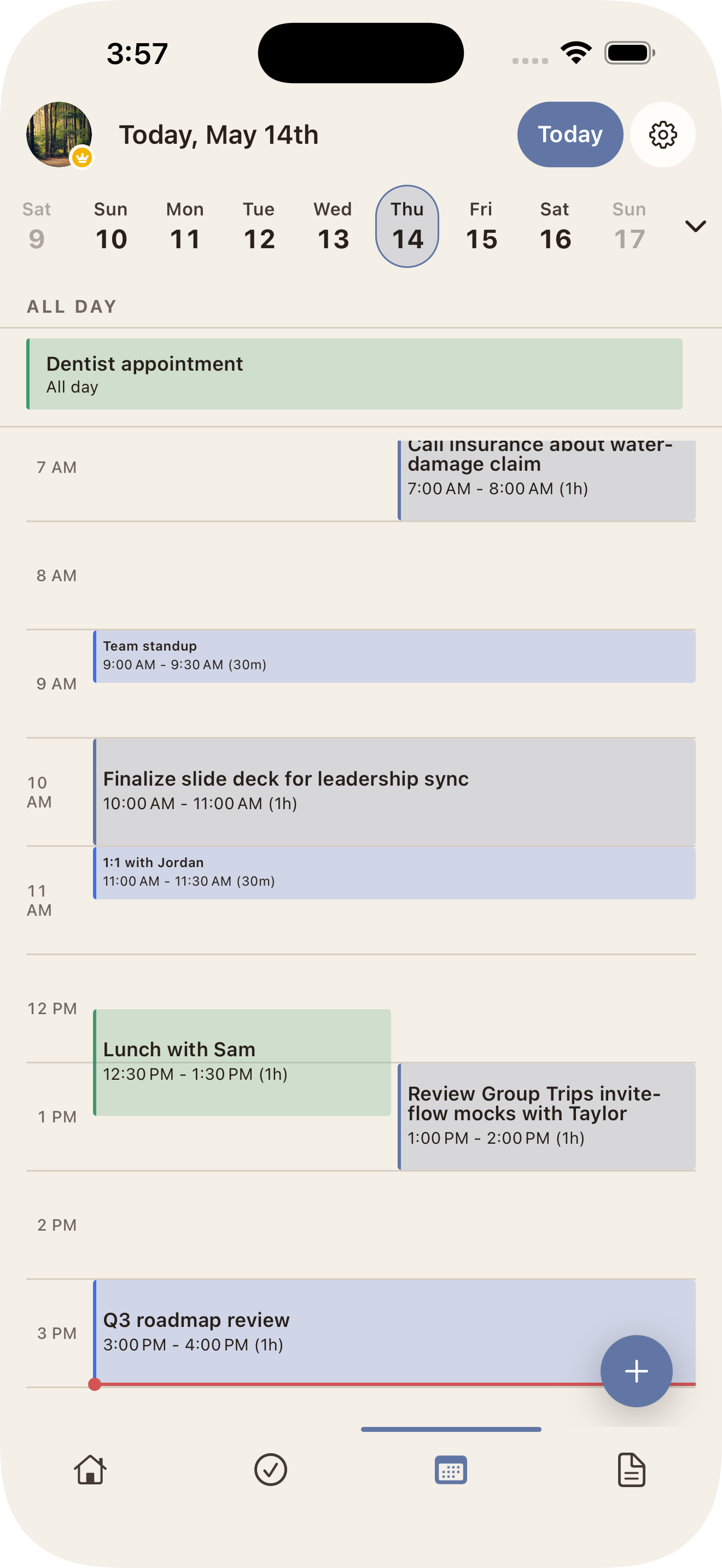
A calendar that
knows your to-dos.
Events and tasks on the same timeline — the way your day actually works.
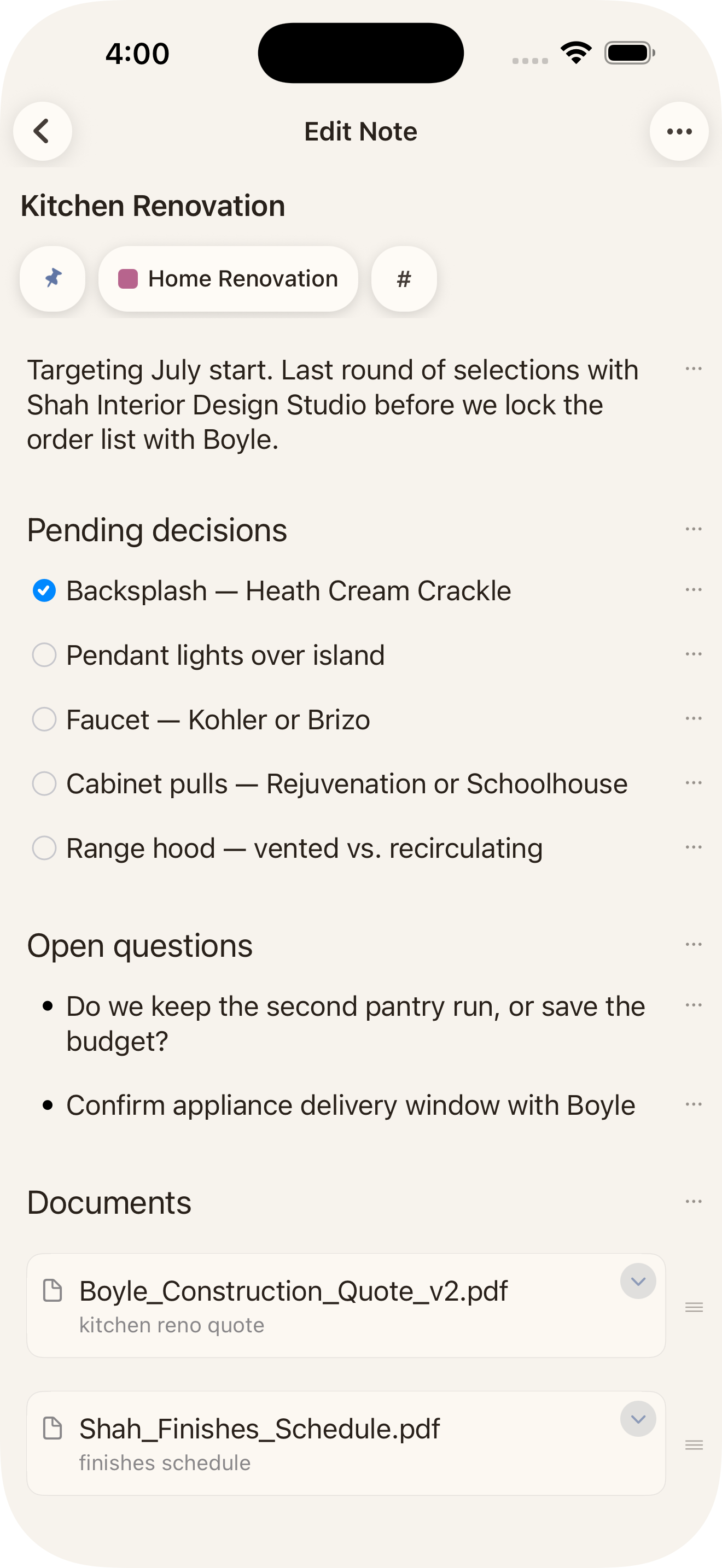
Quick note. Rich note.
Either way.
Write the context, check off the tasks, drop in a PDF — one note holds it all.
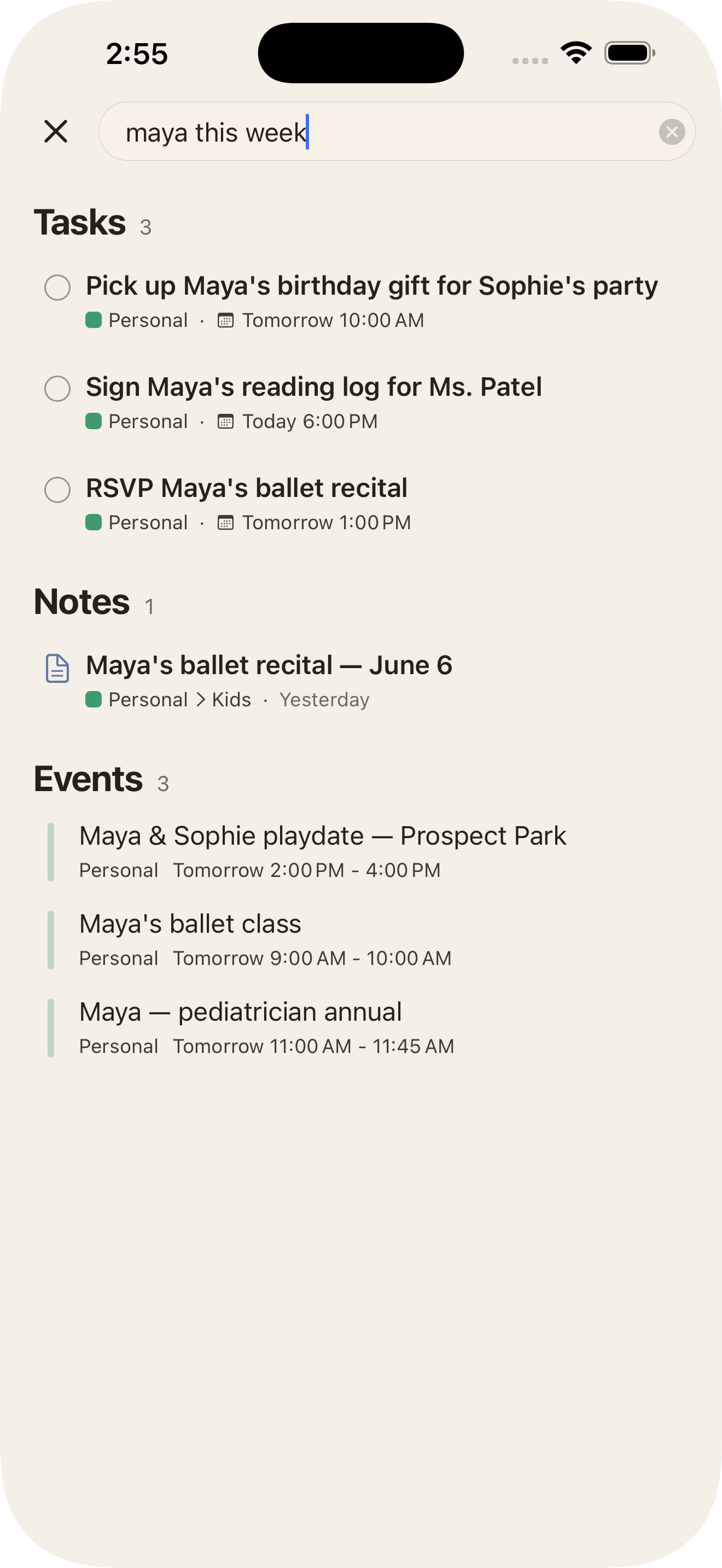
Search anything.
Or ‘this week.’
Tasks, notes, and events in one search. “Today,” “this week,” “past due” — Claira knows what you mean.
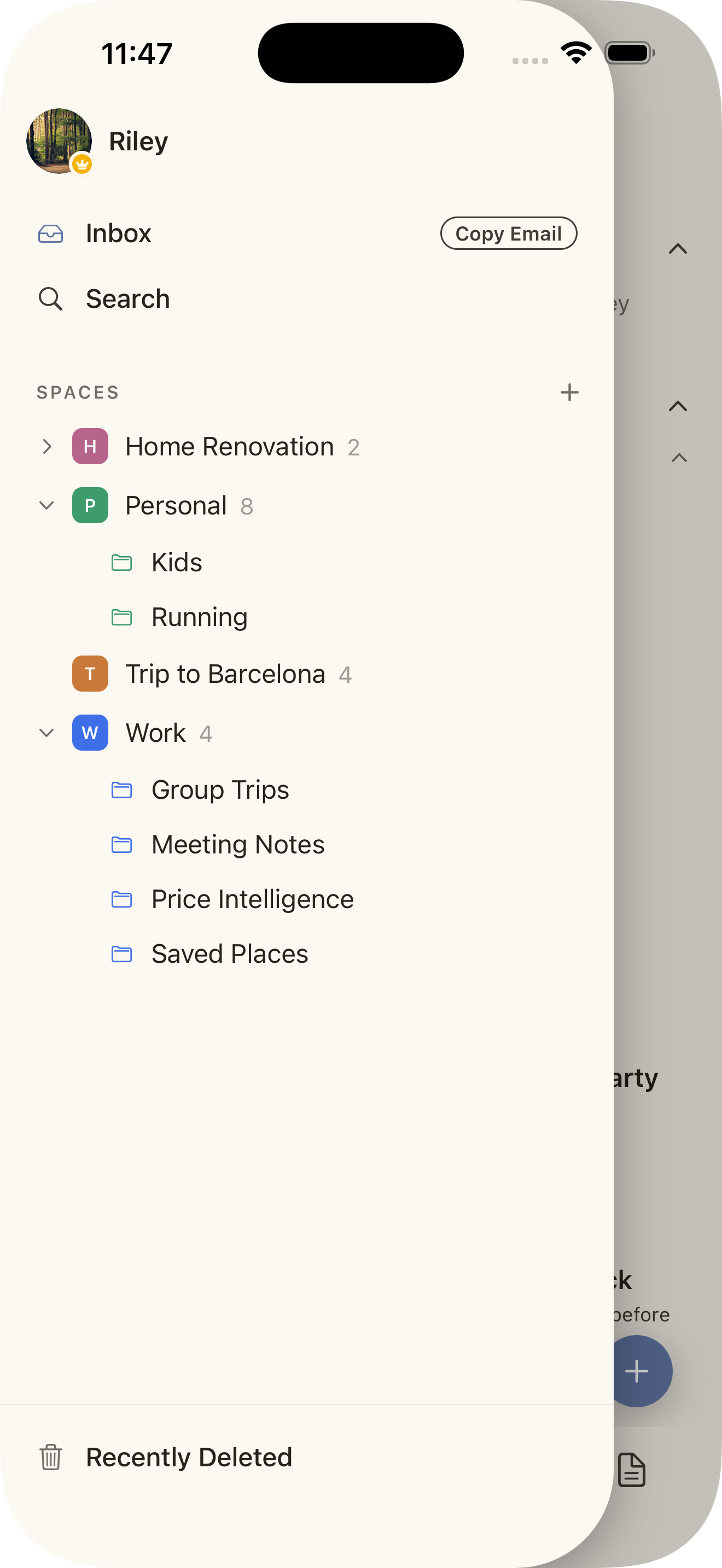
Switch hats.
Not apps.
Tasks and notes side by side. Share a Space with anyone wearing the same hat.
Share anything, from anywhere
Safari, Messages, Photos, Files — share into Claira via the iOS share sheet.
Voice to structured task
Tap the mic on a task title; Claira transcribes and fills in the date and details.
Your content never trains AI models.
Free to start.
Pro removes the limit.
Claira Pro
Monthly or yearlyQuestions, answered plainly.
Is Claira free?
Yes — Claira is free for up to 75 items (tasks and notes combined). Claira Pro removes the limit, monthly or yearly.
Can I share with my partner or team?
Yes. Create a shared Space and invite anyone — you'll both add and edit tasks and notes. Items in a shared Space count toward the owner's 75-item limit only, so one Pro subscriber unlocks unlimited collaboration for everyone they share with.
Does Claira work offline?
Yes. Claira stores your data locally on your iPhone and syncs to our servers when you're online. You can read, write, and edit anything without a signal.
Is there an Android app?
Not yet. Claira is iPhone-only at launch. If Android is important to you, let us know at [email protected].
Does AI read my notes?
Claira's AI analyzes your saved notes and the emails you forward in to suggest folders and surface tasks and events. Voice dictation, summarization, and convert-text-block-to-task only run when you explicitly tap them. Your content never trains AI models.
Get Claira.
Free to start.